
HOSPICE
Bedside connection for comfort-focused care
Make it easier for residents, families, and caregivers to reach support. DCC brings bedside calling, voice call-back, staff assist, and call lights together with discreet notifications that respect a calm care environment.
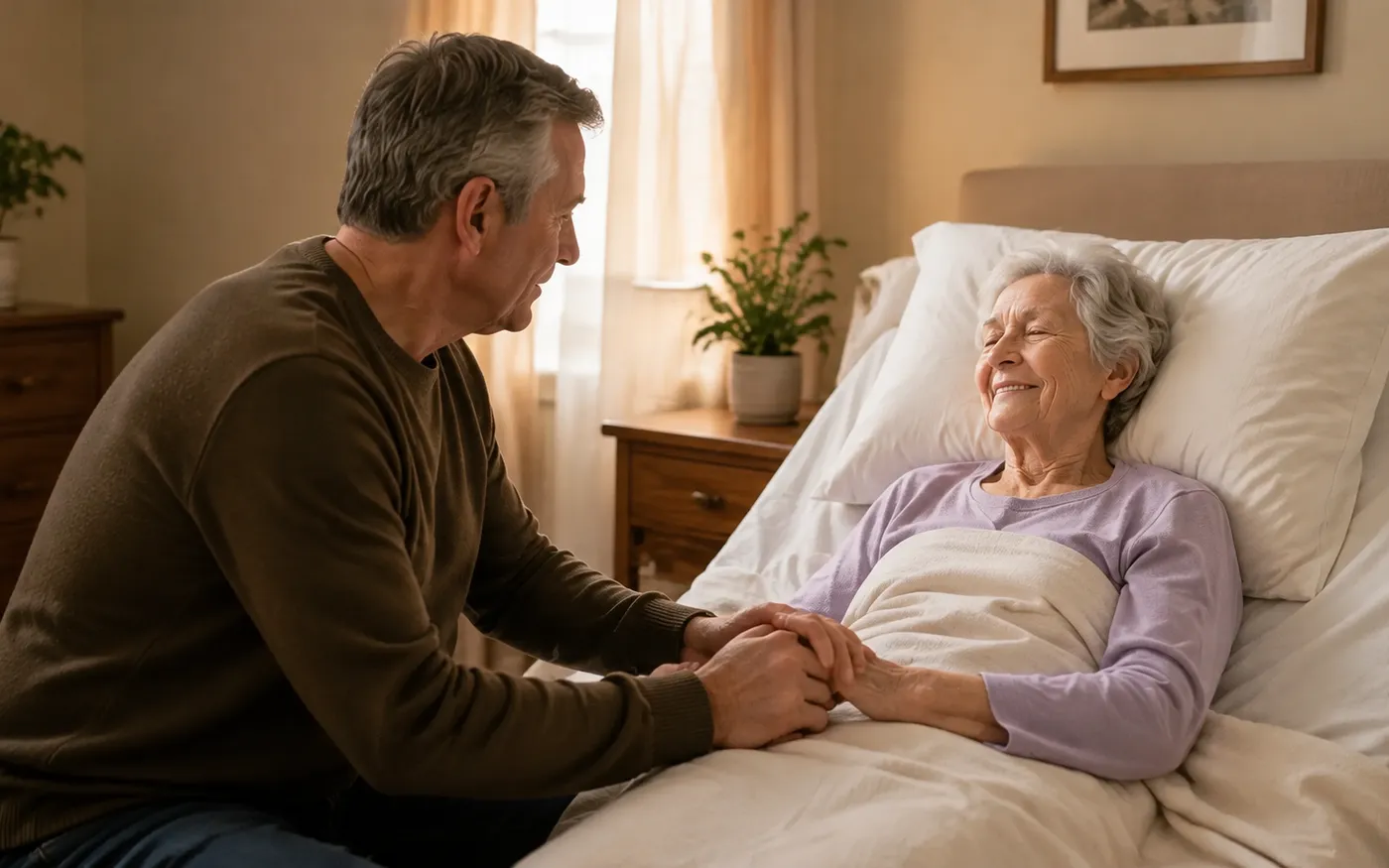
DESIGNED AROUND HOSPICE
Technology that supports presence and comfort
A hospice call bell system must serve residents, family members at the bedside, and caregivers who need another pair of hands. Provide clear, accessible ways to request help and deliver the right context to staff, with sound and visual indications chosen for the room and the care team.
EVERYDAY CARE
Make it easy to call, for residents and families
In hospice, a resident may have limited strength, and a family member is often the one at the bedside. Calling has to work for both.
Make calling physically accessible
Pair bedside stations with call cords suited to the resident’s strength, reach, and motor control. Specialty cords that respond to a light touch, a squeeze or even a breath support different abilities, and family members can use an accessible call point to request assistance. See specialty call cords
Reassure while help is on the way
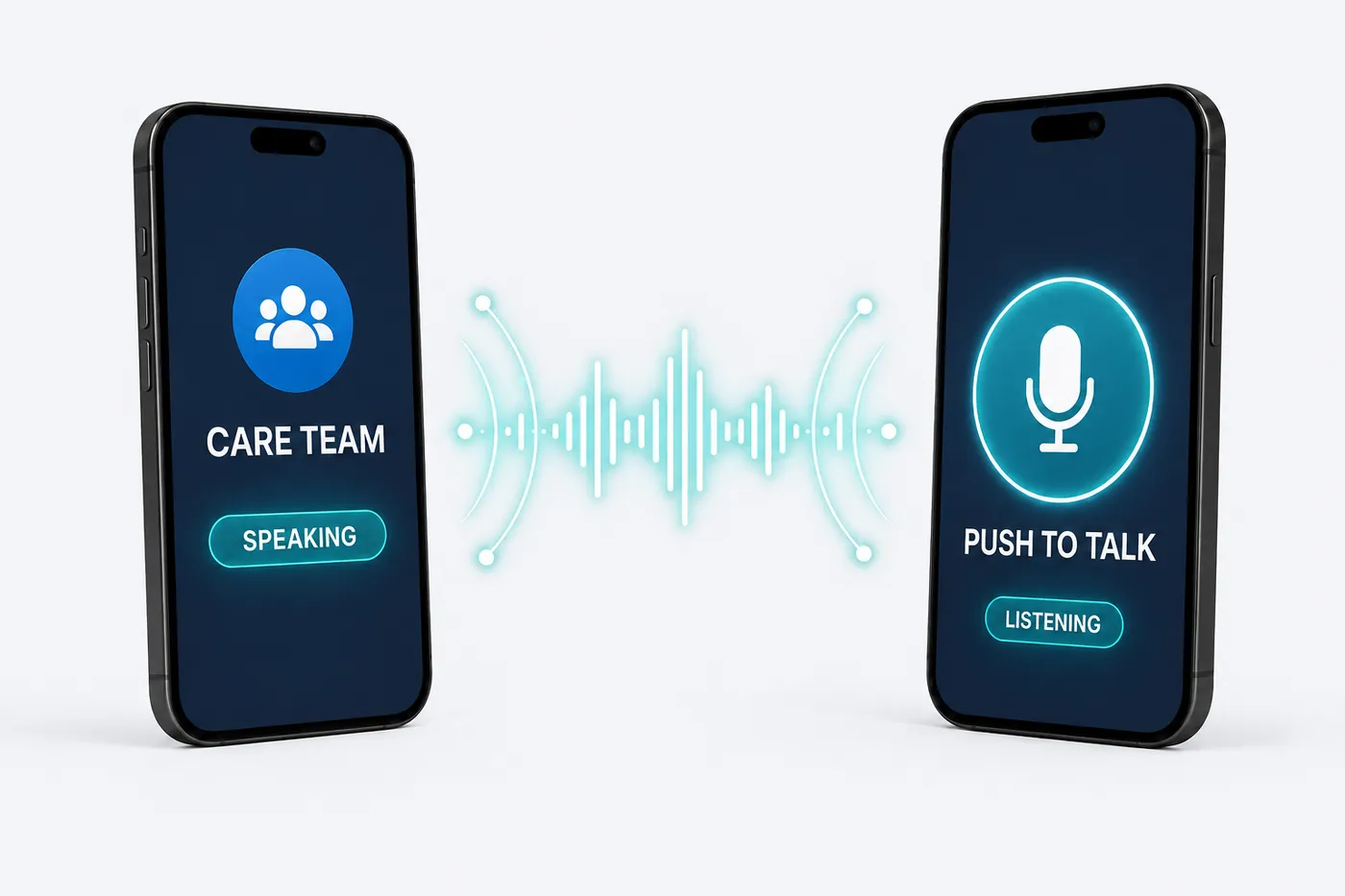
Voice call-back through a Communication Hub or supported endpoint lets staff speak with the resident or someone at the bedside when appropriate. Use the conversation to clarify the request and coordinate the next step.
Support hands-on care
Multicall and Communication Hub stations provide staff-assist options close to the bedside. Call lights can guide colleagues to the room while handheld alerts deliver the request to the assigned team.
HARDWARE THAT FITS
Practical choices for hospice
Select devices around the room, the resident, and the response you want to support. These are useful starting points for a site-specific design.
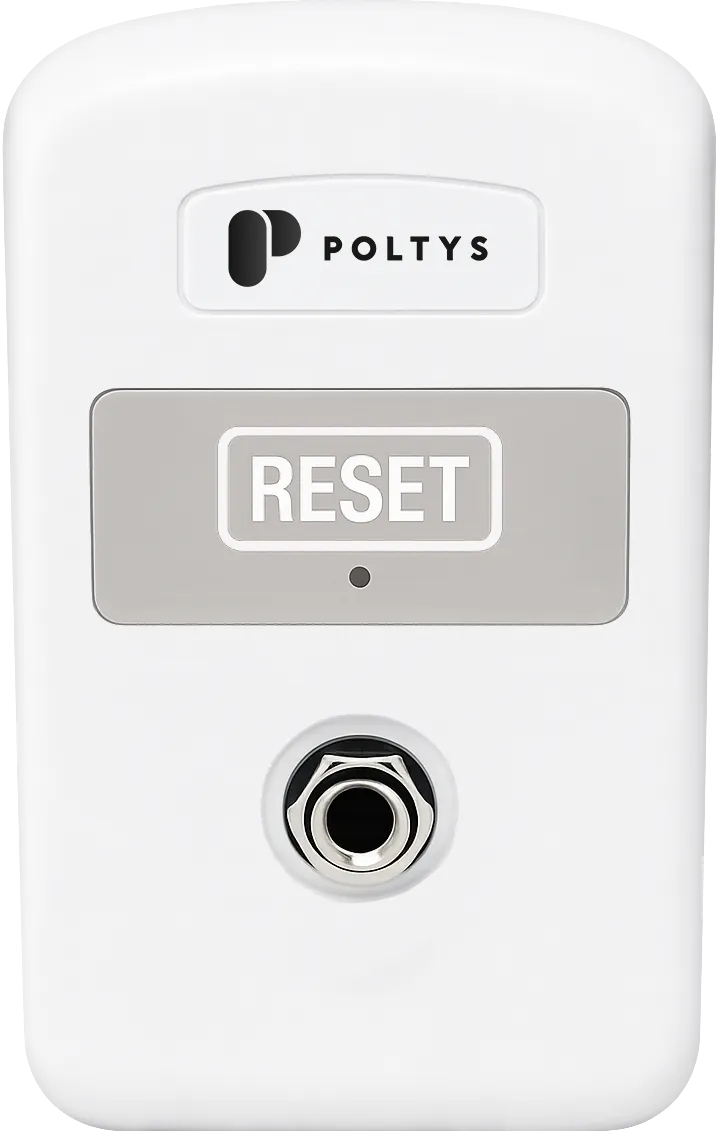
Call Cord Station
Choose wired or wireless bedside call stations and compatible call cords. Review specialty cords for low-effort activation to match the resident’s abilities.
View product options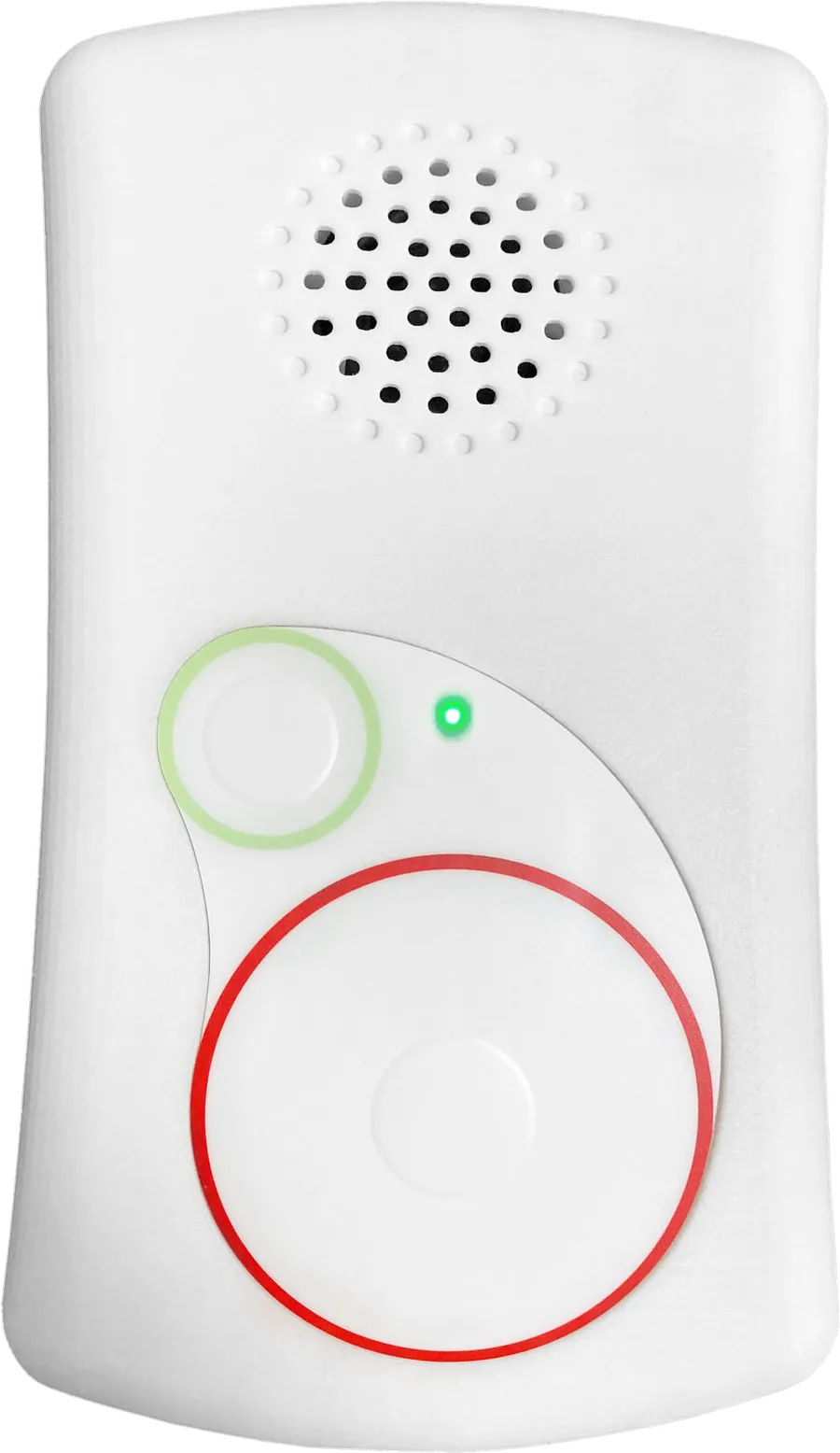
Communication Hub
Connect bedside calling with two-way voice and configurable staff assist, so staff can communicate and request additional support from the room.
View product options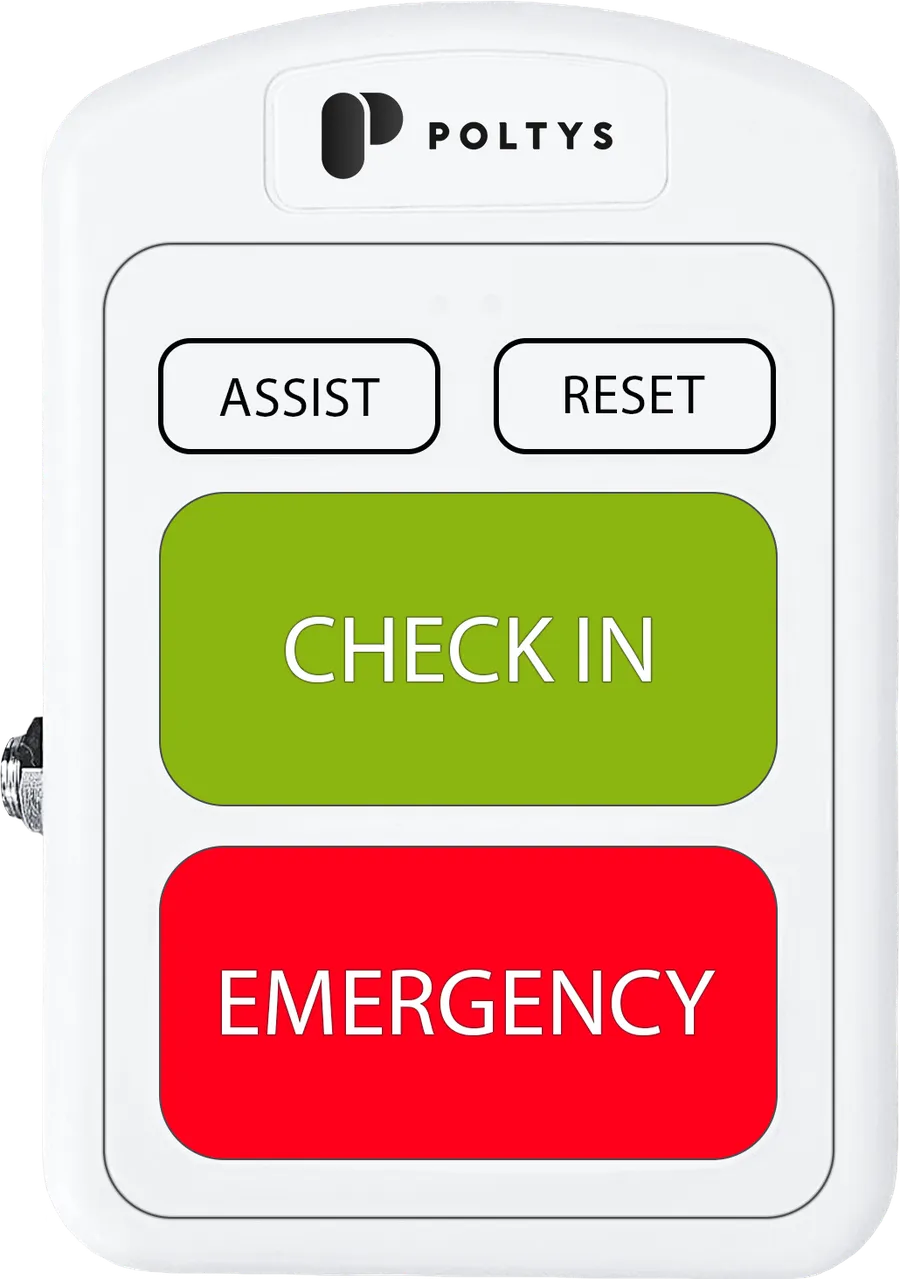
Multicall Station
A fixed station brings resident calls and staff assist together. The call cord connection supports a bedside access point.
View product options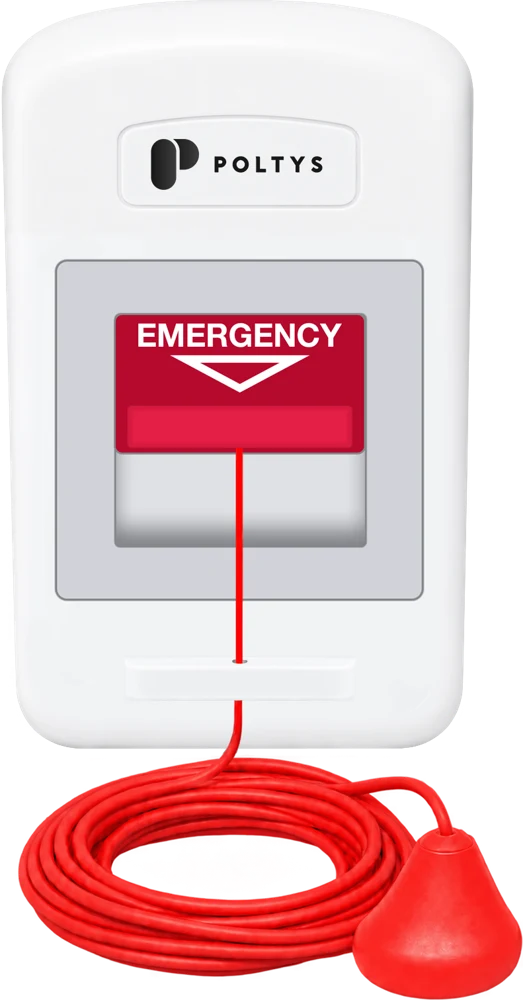
Pull Cord Stations
Extend fixed calls to washrooms and common areas used by residents. Choose wired or wireless versions to suit the installation.
View product options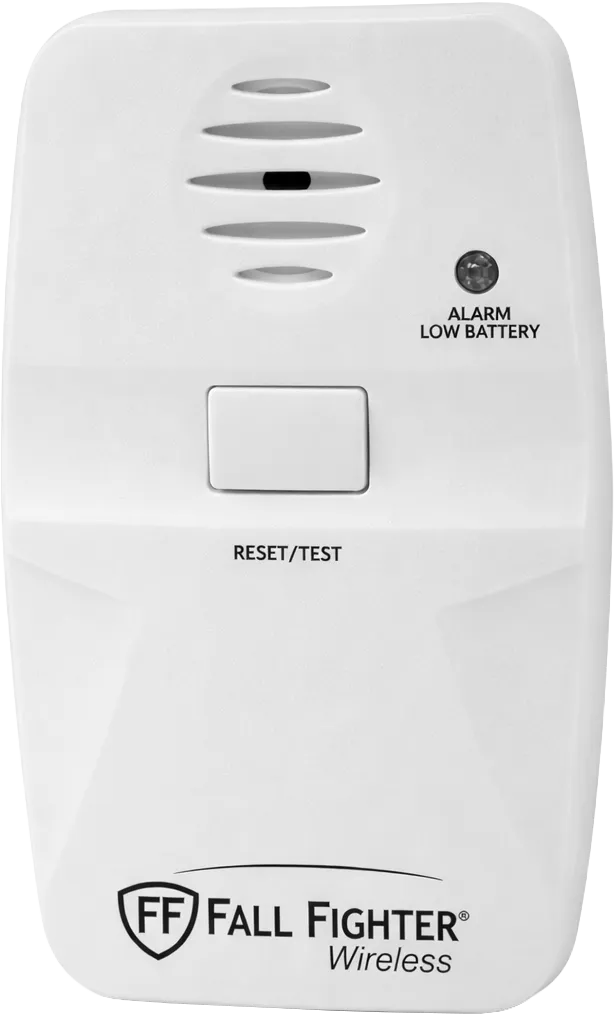
Fall Pad Monitor
Where the individual care plan calls for it, a Fall Fighter monitor and bed or chair pad can notify staff when the resident gets up.
View product options
Call Lights
Dome or corridor lights provide a visible cue outside the room. Coordinate them with directed mobile alerts and the desired in-room sound settings.
View product optionsBed-exit monitoring reports pad events when a resident rises or steps onto a floor pad. It is distinct from detecting a fall and supports, rather than replaces, caregiver supervision.
CALL CORDS
A way to call at every stage of care
Start with the standard Call Cord, then move to a specialty cord as strength changes, from a light touch or squeeze to a breath. Every cord plugs into the same quarter-inch call cord jack on supported DCC stations, so the cord is swapped at the jack as the resident’s needs change, with no rewiring.
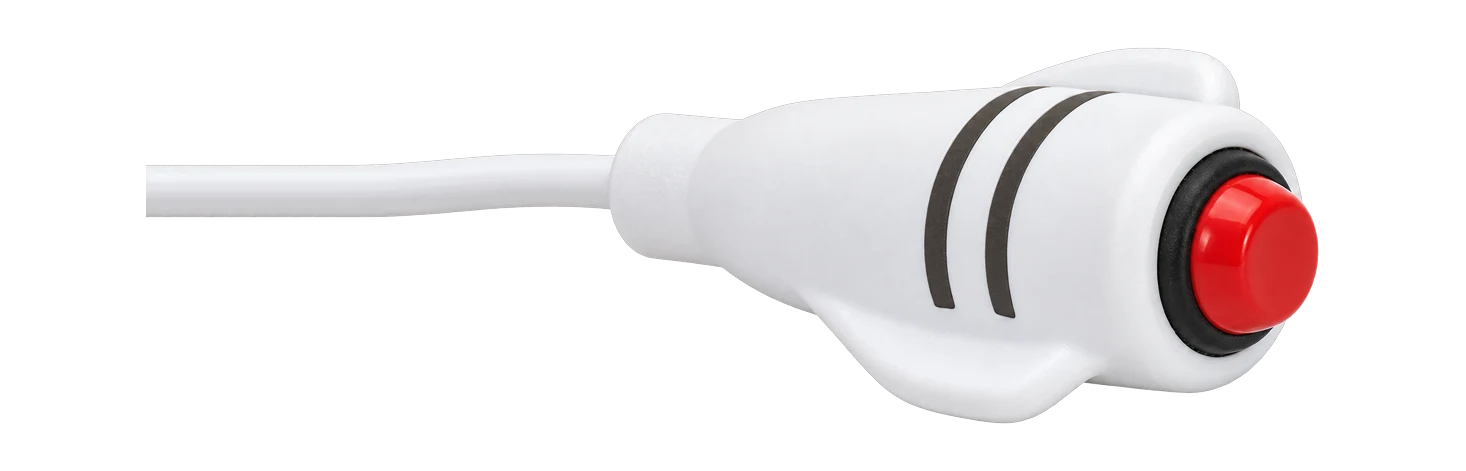
Call Cord
The standard bedside call cord: a red push button in an easy-grip white handle, with a quarter-inch plug that fits every DCC call cord jack.
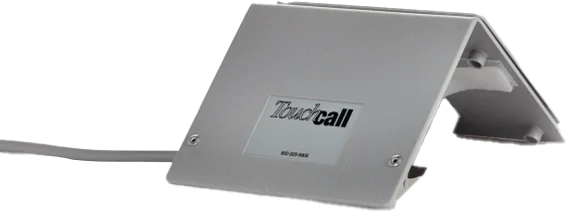
TouchCall Cord
A large, ultra-sensitive touch plate that calls with light contact, with no button to find. The tent-style design positions around the resident and suits hand, arm, knee, foot or chin activation.
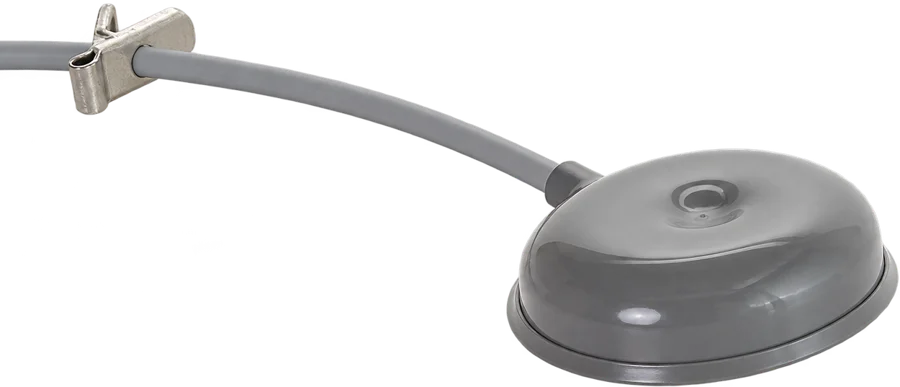
PadCall Cord
A broad, soft vinyl pad that calls with light pressure from the fingers, hand or elbow. Soft gripping feet keep it from sliding, including on bedding.
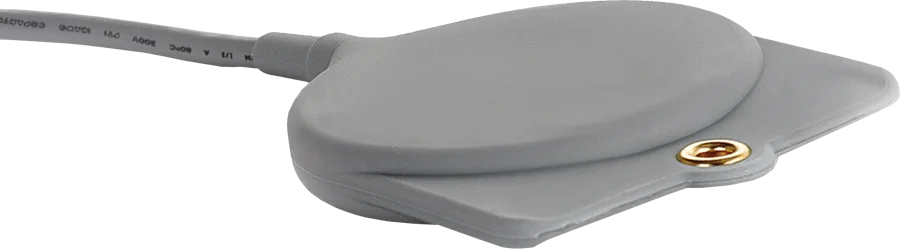
GeriCall Cord
A flat, low-effort pad for residents with limited strength or mobility. Calls with slight pressure from the hand, arm, leg or body, and can sit under the chin.
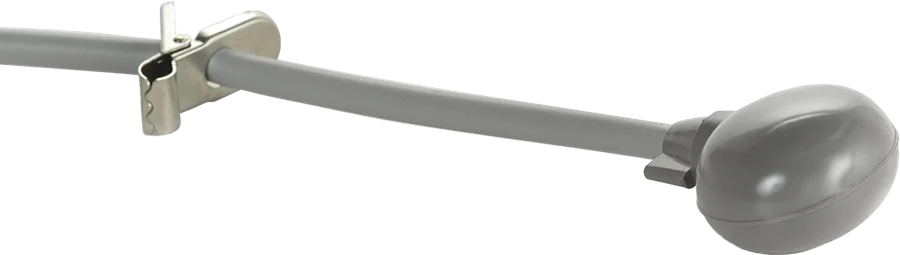
PressCall Cord
A soft, oval bulb that calls with a simple hand squeeze. Fits comfortably in the hand, with no button to locate.
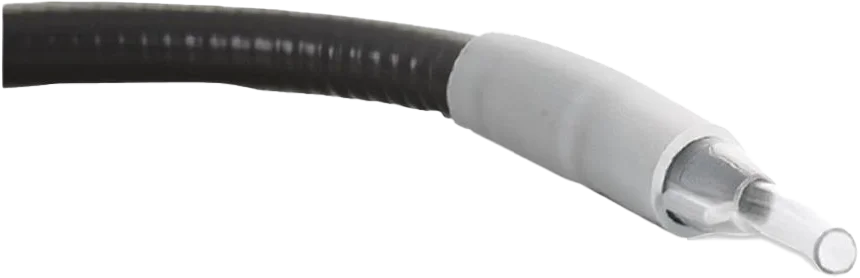
BreathCall Cord
Breath-activated calling for residents with little to no motor control. A flexible gooseneck holds the straw within reach; the straw and filter kit is single-patient use.
| Activation point | Call Cord | TouchCall | PadCall | GeriCall | PressCall | BreathCall |
|---|---|---|---|---|---|---|
| Fingers | ● | – | ● | – | – | – |
| Hand or palm | – | ● | ● | ● | – | – |
| Hand squeeze | – | – | – | – | ● | – |
| Arm or elbow | – | ● | ● | ● | – | – |
| Knee or leg | – | ● | – | ● | – | – |
| Foot | – | ● | – | – | – | – |
| Chin | – | ● | – | ● | – | – |
| Breath | – | – | – | – | – | ● |
Position the cord where the resident’s contact point naturally rests, secure it within reach, and place a test call before leaving the room. Specialty call cords are resident-activated; they are not fall monitoring sensors.
IN PRACTICE
A calmer room, with a clear route to staff
Direct calls to the assigned caregivers and use visible room indications where needed. For selected bed-exit workflows, the Fall Fighter local sounder can be muted while the event is sent to DCC, helping avoid unnecessary noise at the bedside.
Set local sounds, call lights, and escalation around the resident’s care plan and the site’s procedures. Quiet operation should still give staff a clear, tested route to the request.
TEAM & OVERSIGHT
A quiet response, and continuity between shifts
Keep the setting calm while making sure every request is prioritized, answered and handed over clearly.
Prioritize and escalate
Separate resident requests and staff-assist calls through configured priorities. Route by assignment or shift and escalate unanswered requests to the appropriate backup.
Keep a useful care record
Review event histories, response times, care categories, and recorded care time. These records help explain what happened during a request and support continuity between shifts.
Support ongoing readiness
Use low-battery and device-status reports to plan checks, and keep call cords and monitoring accessories suited to the resident as needs change.
Recorded care time reflects the configured workflow; it is not independent confirmation of bedside presence. Features depend on the selected equipment and configuration.
YOUR BUILDING. YOUR STARTING POINT.
Around the bedside, wired or wireless
Wireless systems can suit hospice retrofits and new builds, while wired bedside stations may fit existing infrastructure or a preferred room design. Plan call cords, voice endpoints, call lights, and staff-assist access together, with a practical path for future room changes.
Full system installation
Plan the DCC server, software, call points, and staff communication for a new build or complete replacement.
Explore deployment optionsSystem upgrade
Connect DCC to a compatible existing nurse call system and retain suitable equipment while adding communication and reporting.
Explore deployment optionsServer takeover
Replace the server behind a compatible EchoStream system and retain suitable installed transmitters and pendants after a compatibility review.
Explore deployment optionsPLAN YOUR COMMUNITY
Start with the bedside experience
Discuss room layouts, accessible call cords, staff-assist needs, and the balance of quiet notifications and call lights. We will help shape a system around comfort-focused care.