
INDEPENDENT LIVING
Help within reach. Independence at the centre.
Support active daily life in your retirement home with resident pendants, simple check-ins, fixed pull cords, and voice call-back. DCC connects residents with staff while helping the community retain a comfortable, less institutional feel.
DESIGNED AROUND INDEPENDENT LIVING
A lighter-touch approach to everyday reassurance
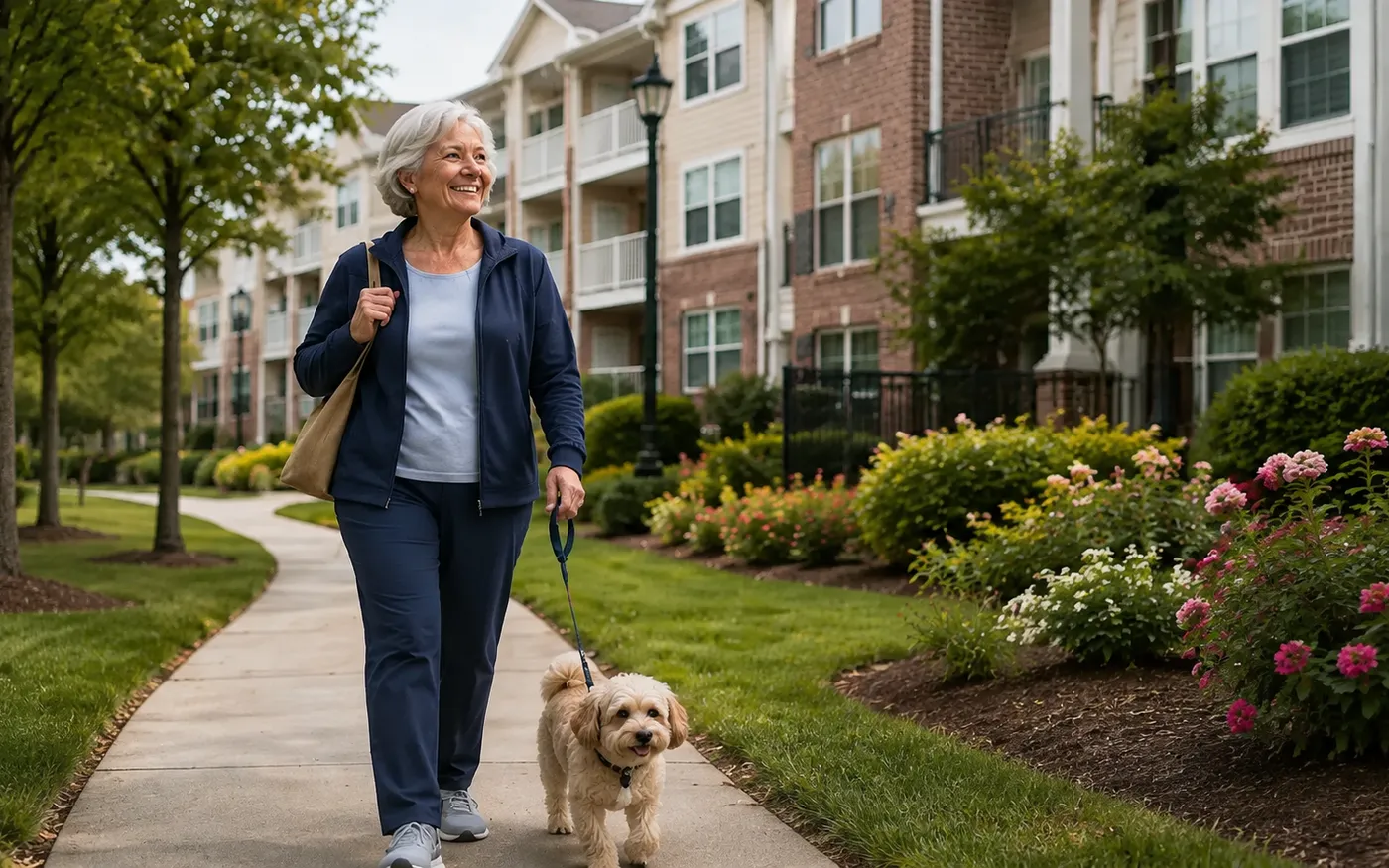
Independent living residents want to get on with their day, knowing how to reach someone if they need help. Combine a wearable call option with fixed points in washrooms and common areas, and offer a straightforward check-in routine that staff can follow up when needed.
EVERYDAY CARE
Reassurance that fits an independent life
Independent living residents want help available, not a clinical setting. Start with a pendant, a daily check-in and a voice on the other end.
A call button that goes with them
Wearable pendants give residents a way to request help around the covered community. Select the wearing style and any supported location or fall-detection capability to match the individual’s needs.
Check in, then get on with the day
A resident presses a check-in button within an agreed window. If that confirmation is missed, DCC raises an event for staff to follow up through the community’s process.
Hear a person at the other end
Voice call-back through a supported room station or phone lets staff clarify the request and offer reassurance. Plan voice endpoints alongside pendant and fixed-station coverage; a pendant call does not itself provide a speakerphone.
HARDWARE THAT FITS
Practical choices for independent living
Select devices around the room, the resident, and the response you want to support. These are useful starting points for a site-specific design.
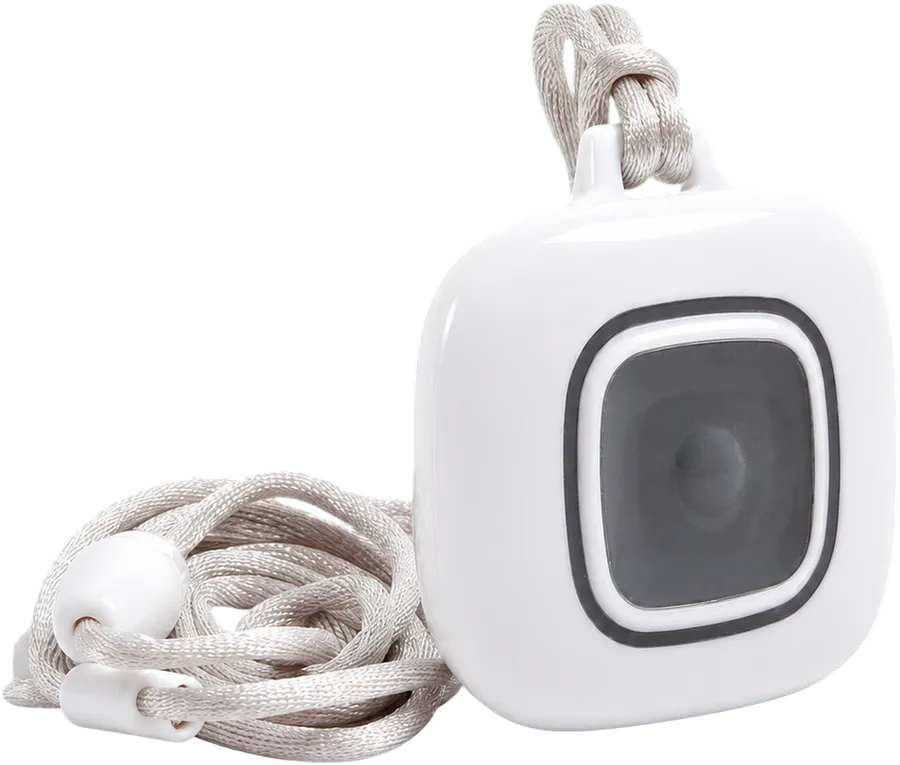
Resident Pendants
A wearable wireless nurse call button for day-to-day mobility within system coverage. Review suitable wearing options with the resident.
View product options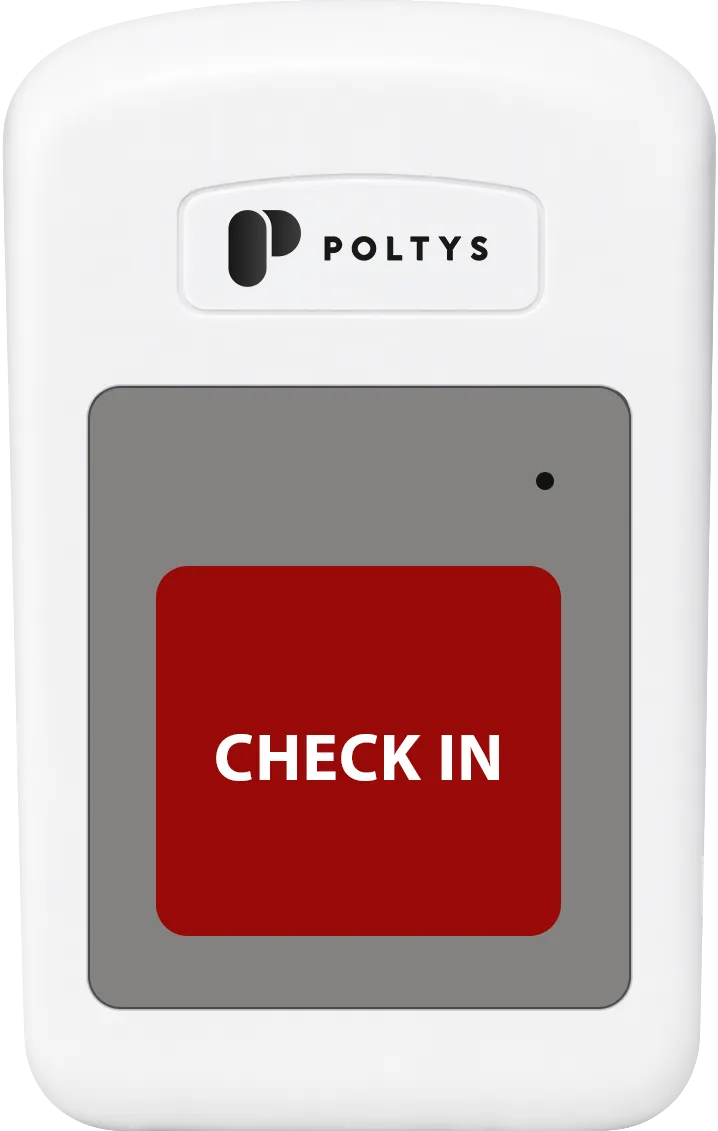
Resident Check-In Station
A dedicated button placed along a resident’s daily routine makes check-in simple. Staff can review recorded confirmations and missed events.
View product options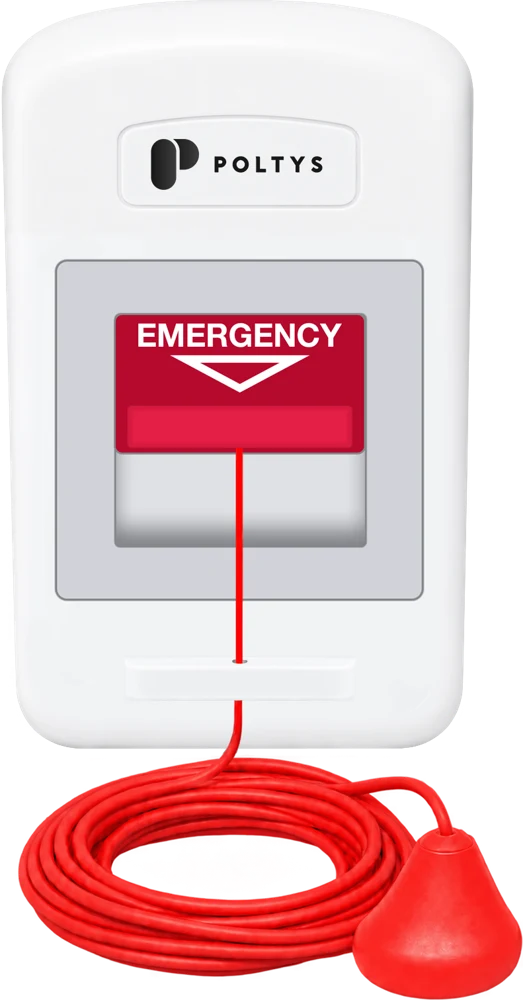
Pull Cord Stations
Install fixed call points in washrooms and common spaces so a resident can request help even when a pendant is not at hand.
View product options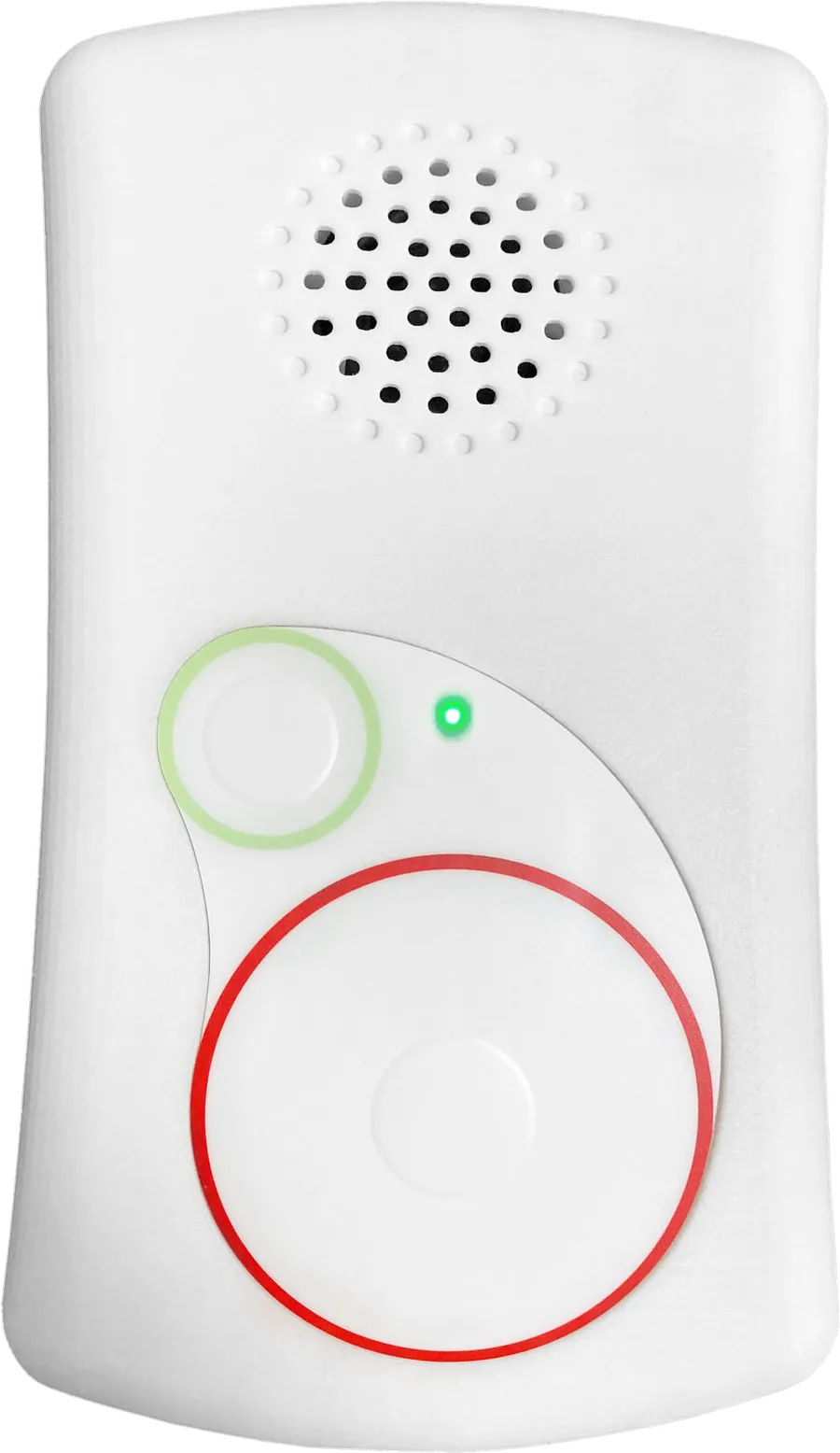
Communication Hub
Use a Communication Hub where an in-room voice endpoint is wanted. It supports two-way conversation as well as configurable call inputs.
View product options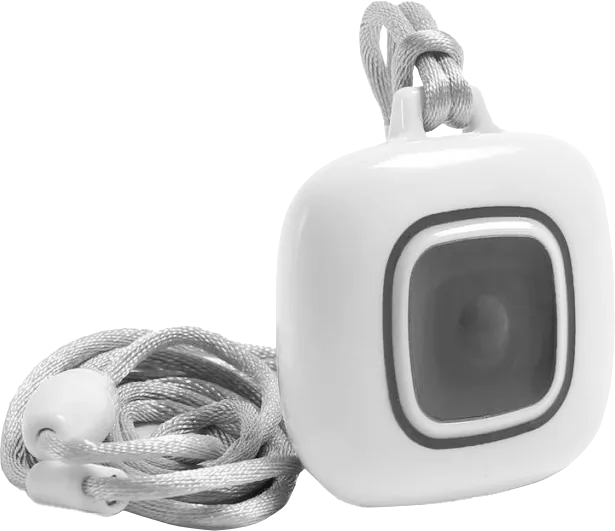
Location-capable Pendants
For communities needing more than a room address, compatible pendants and location infrastructure can add context to a mobile resident’s call.
View product options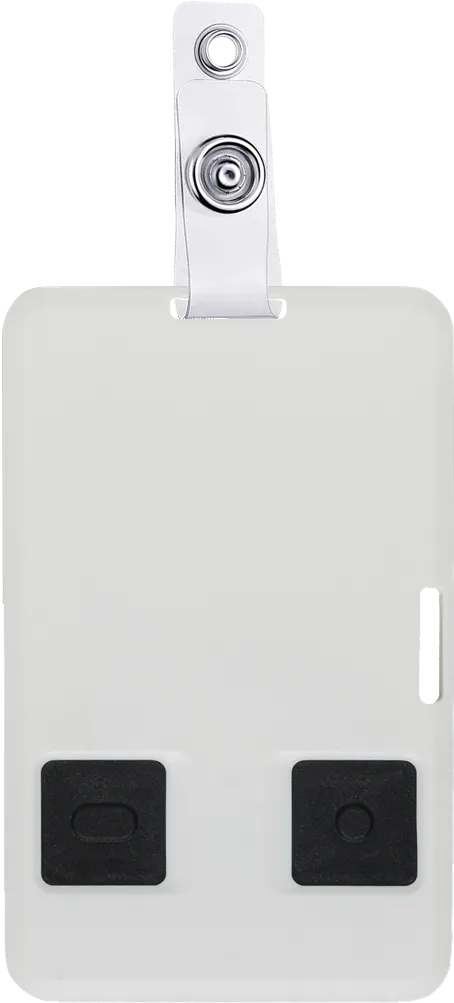
Staff Assistance Devices
Wearable assistance devices and supported staff phones help employees call for backup around the property, including while working away from a desk.
View product optionsIN PRACTICE
A missed check-in becomes a follow-up task
Set check-in windows around the community’s routine. DCC records the resident’s confirmation; if no check-in arrives in the configured window, staff receive an event to follow up. This keeps missed confirmations visible in the same response workflow as other calls.
A check-in records an action, not a clinical assessment. The community determines how staff follow up and which residents are suited to the routine.
TEAM & OVERSIGHT
A light touch for staff, and a clear follow-up
With fewer staff on site, every call and missed check-in needs a clear owner and a record that it was handled.
Keep shared spaces welcoming
Direct relevant alerts to staff handsets or smartphones, reducing reliance on broad overhead announcements. Retain audible or visual indications where needed for the response plan.
Understand calls and follow-up
Review resident call histories, check-in events, response times, and recorded care activity. For operators with several communities, compare site activity through multi-site views.
Keep the system ready
Monitor supported device status and low-battery reports, maintain pendant coverage, and keep staff assignments current. Readiness matters as residents and staff move through the property.
Recorded care time reflects the configured workflow; it is not independent confirmation of bedside presence. Features depend on the selected equipment and configuration.
YOUR BUILDING. YOUR STARTING POINT.
Wireless first, for occupied suites
Wireless systems are a popular choice for independent living, including new builds and retrofits of occupied suites. Plan coverage across the areas residents use, and assess whether existing devices can be retained through a DCC upgrade or compatible Inovonics EchoStream server takeover.
Full system installation
Plan the DCC server, software, call points, and staff communication for a new build or complete replacement.
Explore deployment optionsSystem upgrade
Connect DCC to a compatible existing nurse call system and retain suitable equipment while adding communication and reporting.
Explore deployment optionsServer takeover
Replace the server behind a compatible EchoStream system and retain suitable installed transmitters and pendants after a compatibility review.
Explore deployment optionsPLAN YOUR COMMUNITY
Design reassurance around daily life
Tell us about your suites, shared amenities, check-in process, and staff coverage. We will help you plan resident devices, voice endpoints, and a suitable deployment path.