
THREE WAYS TO DEPLOY DCC
Three ways to modernize, one dealer who installs and supports it
Keep the equipment that still works, replace what does not, and have both installed and serviced by an authorized Poltys dealer in your province.
KEEP WHAT WORKS
Nurse call system upgrade and replacement options
Compare the three paths side by side: what each one keeps, what it replaces, and which buildings it suits best.
Full system installation
For new buildings or existing communities deploying a complete DCC system: server, software, wired or wireless call points and caregiver communication devices.
See what this involvesSystem upgrade
Add the DCC server to the nurse call system already in place. DCC is compatible with more than 25 existing nurse call systems, so suitable call points and cabling can stay where they are while alert routing, caregiver communication and reporting are added.
See what this involvesServer takeover
Take over a competitor’s compatible Inovonics EchoStream wireless nurse call system. Replace its server with DCC and retain suitable installed transmitters and pendants, following a compatibility review.
See what this involvesAT A GLANCE
What stays, what changes, and what we review first
A starting point for the conversation, not a fixed specification. What can be retained depends on the equipment, interfaces and site conditions found during the review.
On smaller screens, scroll across the table to compare all three paths.
| Full system installation | System upgrade | Server takeover | |
|---|---|---|---|
| Best fit | New construction, expansions and complete replacements | Communities whose call points are sound but whose server and alerting are dated | EchoStream communities looking to avoid the cost of replacing the device network |
| DCC server | New | New | New |
| Existing server | Not applicable, or removed | Replaced outright or connected to directly, depending on the system | Replaced |
| Existing call points | New devices selected for the building | Retained where compatible | Retained where suitable |
| Existing wireless devices | New devices selected for the building | Retained where compatible | Installed transmitters and pendants retained where suitable |
| Reviewed before a quote | Floor plans, resident needs, response routes, coverage, network and backup power | Manufacturer, server and device models, and the interfaces available | Compatibility and coverage review of the installed EchoStream network |
| Included either way | Installation and service by an authorized Poltys dealer in your province, plus the first year of the DCC Site Maintenance Agreement with every DCC software server licence. | ||
PATH 01 · NEW BUILD OR REPLACEMENT
Full system installation
The system is designed around the building rather than around what is already installed. Suited to new construction, an expansion, or equipment that has reached the end of its useful life.
What you keep
Nothing is assumed. Where an existing device or cable run is still suitable, it can be brought into the design, but the plan does not depend on it.
What changes
The DCC server and software, the call points in resident rooms and shared spaces, and the devices caregivers carry are all selected together as one system.
Best fit
New construction, expansions and complete replacements, or a community whose current system can no longer be serviced or extended.
What we review first
- Floor plans, resident needs and the routes caregivers take to respond
- Wireless coverage, network capacity and backup power requirements
- Which spaces need fixed call points and which are better served wirelessly
- How staff will receive alerts, and on which devices
PATH 02 · EXISTING NURSE CALL
System upgrade
An upgrade does not always need to start with a full replacement. DCC is compatible with more than 25 existing nurse call systems, so in most communities the server and the alerting can be modernized without touching the devices in resident rooms.
What you keep
Suitable installed call points and the cabling behind them. Residents and staff carry on using the devices they already know, which keeps retraining to a minimum.
What changes
The DCC server is added. Depending on the system, it replaces the legacy server outright or connects to it directly, bringing alert routing, caregiver communication and reporting.
What you can add later
Wander monitoring, expansions and device replacements can be layered in as needs change, alongside supported building integrations such as PBX and telephony, fire panels and door systems.
What we review first
- Which nurse call system is installed, and which server and device models are in place
- Which interfaces that system exposes, and what they support
- Condition and coverage of the installed devices and cabling
- Which capabilities the community wants first, and which can follow later
PATH 03 · INOVONICS ECHOSTREAM
Server takeover
Purpose-built for EchoStream communities. Replace the server behind an Inovonics EchoStream-based system and reuse the installed transmitters and pendants, for a fraction of the cost of a full replacement.
What you keep
The installed transmitters and pendants, and the wireless network they run on. Residents keep the devices they already wear, so retraining is minimal and support costs stay low.
What changes
The nurse call server is replaced with DCC. Real-time alerts, analytics and unified caregiver communication come from the new server rather than the one being retired.
Why communities choose it
It reaches a modern platform without the capital cost, disruption and relearning that replacing an entire device network would mean in an occupied building.
What we review first
- Which installed transmitters and pendants are compatible and still serviceable
- Wireless coverage across the spaces residents and staff use
- Device supervision, battery condition and any gaps in the current network
- What the retired server was doing that DCC will need to take on
PROJECT PLANNING
Match the deployment path to the building in front of you
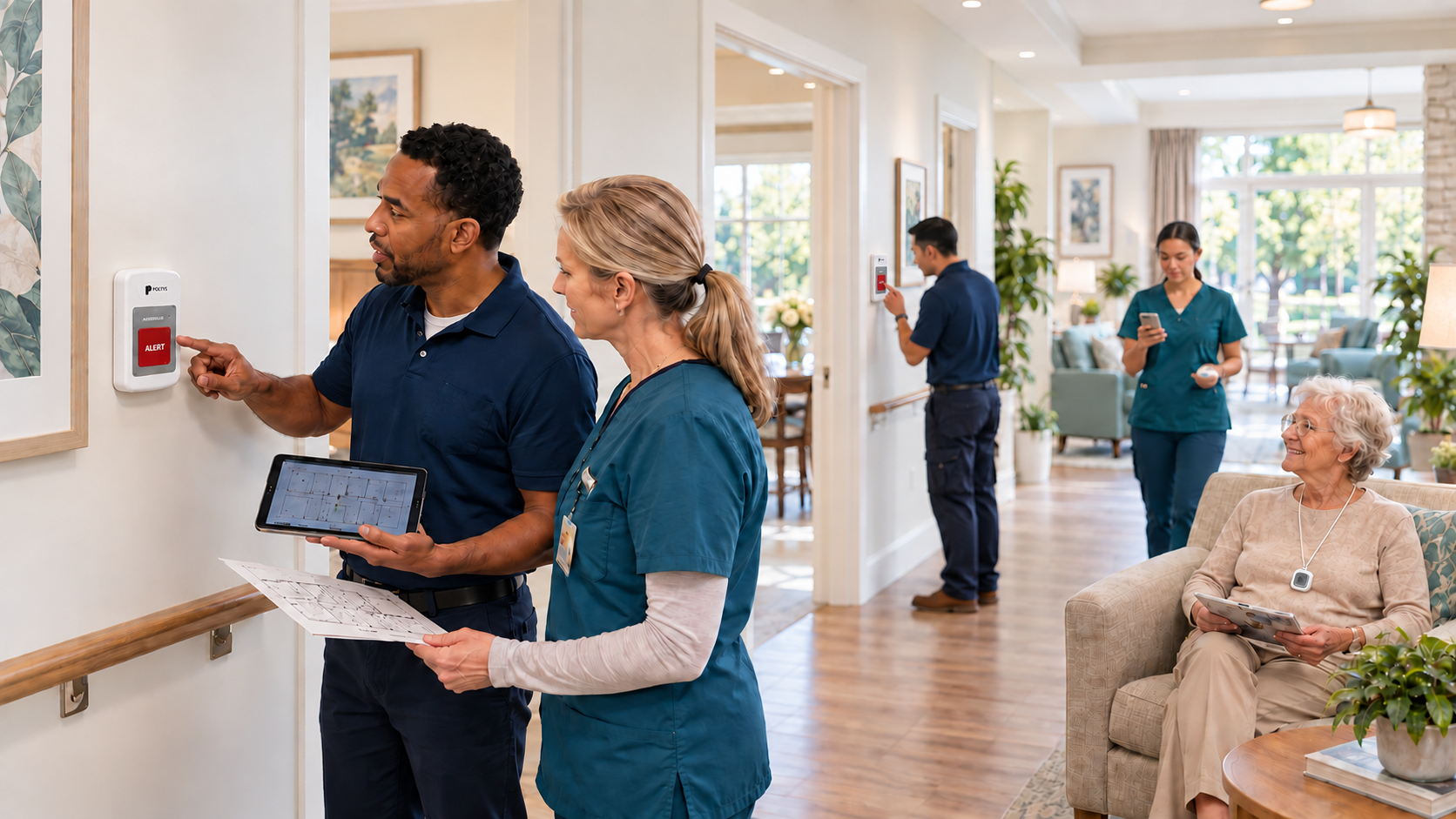
DCC supports a practical modernization conversation: what stays, what changes, and how teams move forward.
Deployment conversations stay practical: what you have, what you need, and which path fits.
WHAT HAPPENS NEXT
A clear path from question to recommendation
SITE ASSESSMENT
Not sure where to start?
Tell us what system your community has, and we will evaluate your options.
NEXT STEP
See DCC in your community
Review your current system, your deployment options, and the budgetary path that fits your community.