
SOLUTIONS / STAFF SAFETY
Help within reach. Backup with a clear path.
Give care teams a discreet way to ask for assistance when a situation changes. DCC connects staff duress alerts, location context and escalation to the same platform used for resident safety.
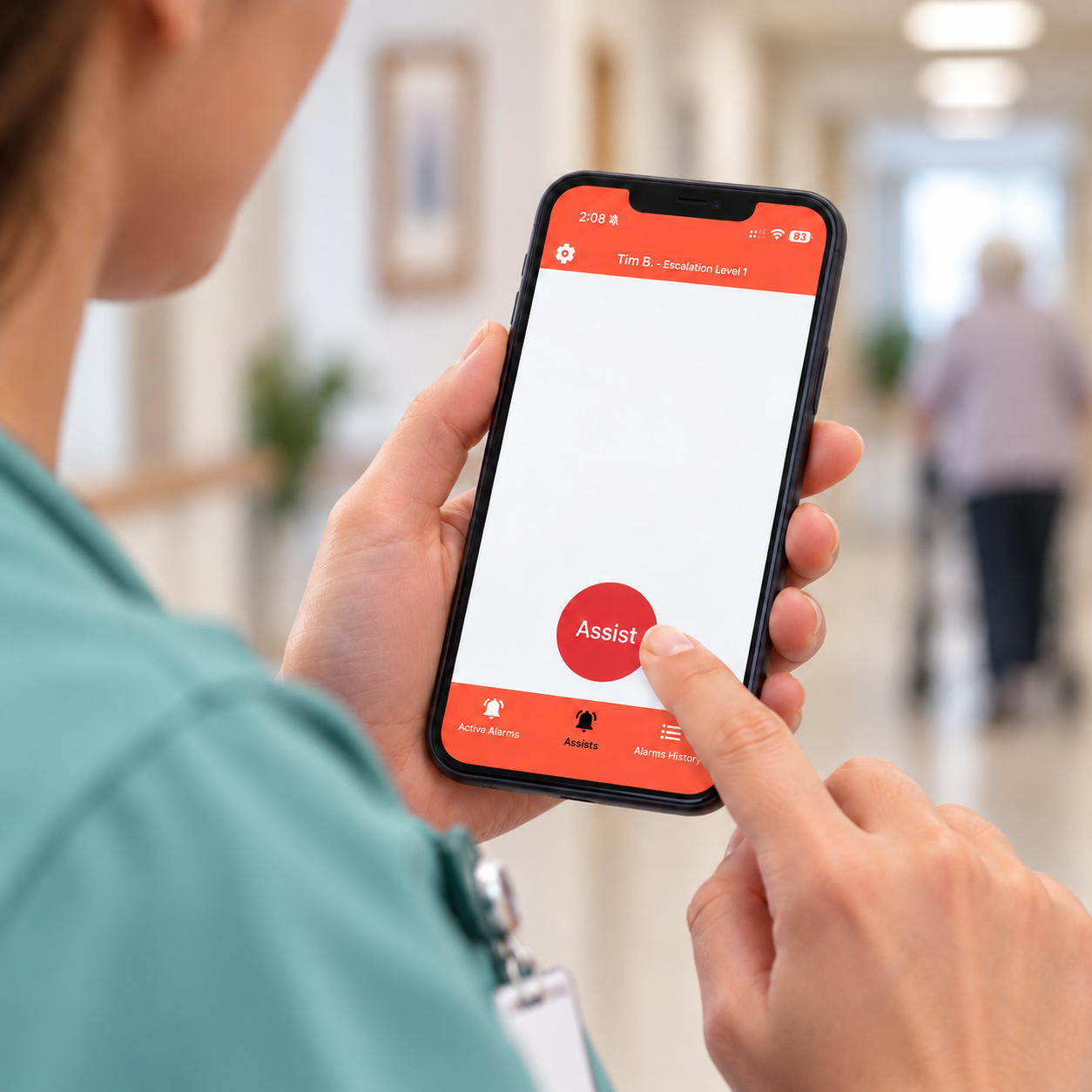
FROM ALERT TO ACTION
Make a request for backup actionable.
A staff duress system supports staff working in resident rooms, shared areas and across the community with a defined response process.
- 01
Request backup
Staff activate a wearable, a supported handset or app, or a fixed call point, depending on the equipment selected.
- 02
Identify the need
The alarm carries its configured type and location context. Location-enabled badges help responders find the person requesting support.
- 03
Notify and escalate
Route the request to the appropriate team by work zone, shift and priority. Escalate to additional responders if the alert remains unaccepted.
- 04
Respond and review
Colleagues acknowledge the alert and coordinate assistance. The event history supports supervisor review after the situation is resolved.
WAYS TO CALL FOR HELP
Choose access that fits the work.
Combine personal devices with fixed call points so staff have practical ways to request assistance during their shift.
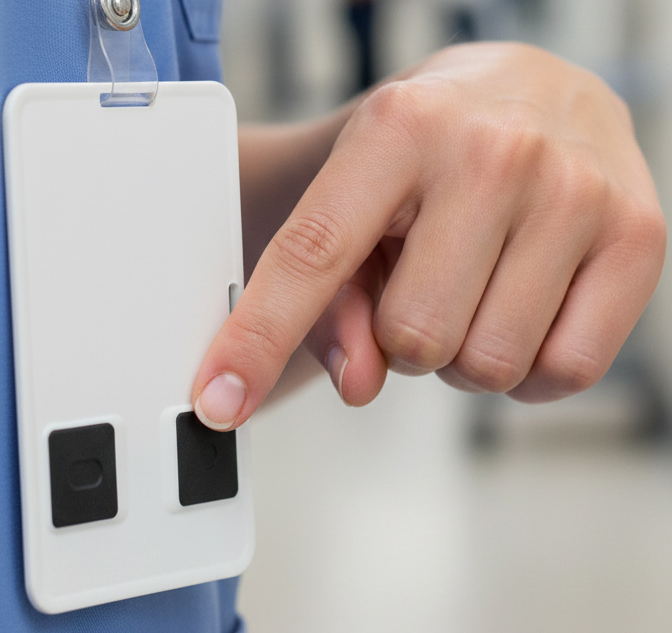
Staff badge
A discreet badge worn with staff identification supports three programmable alarm conditions from two buttons. Haptic and LED feedback confirm activation, and supported location information travels with the alarm.
Explore the staff badge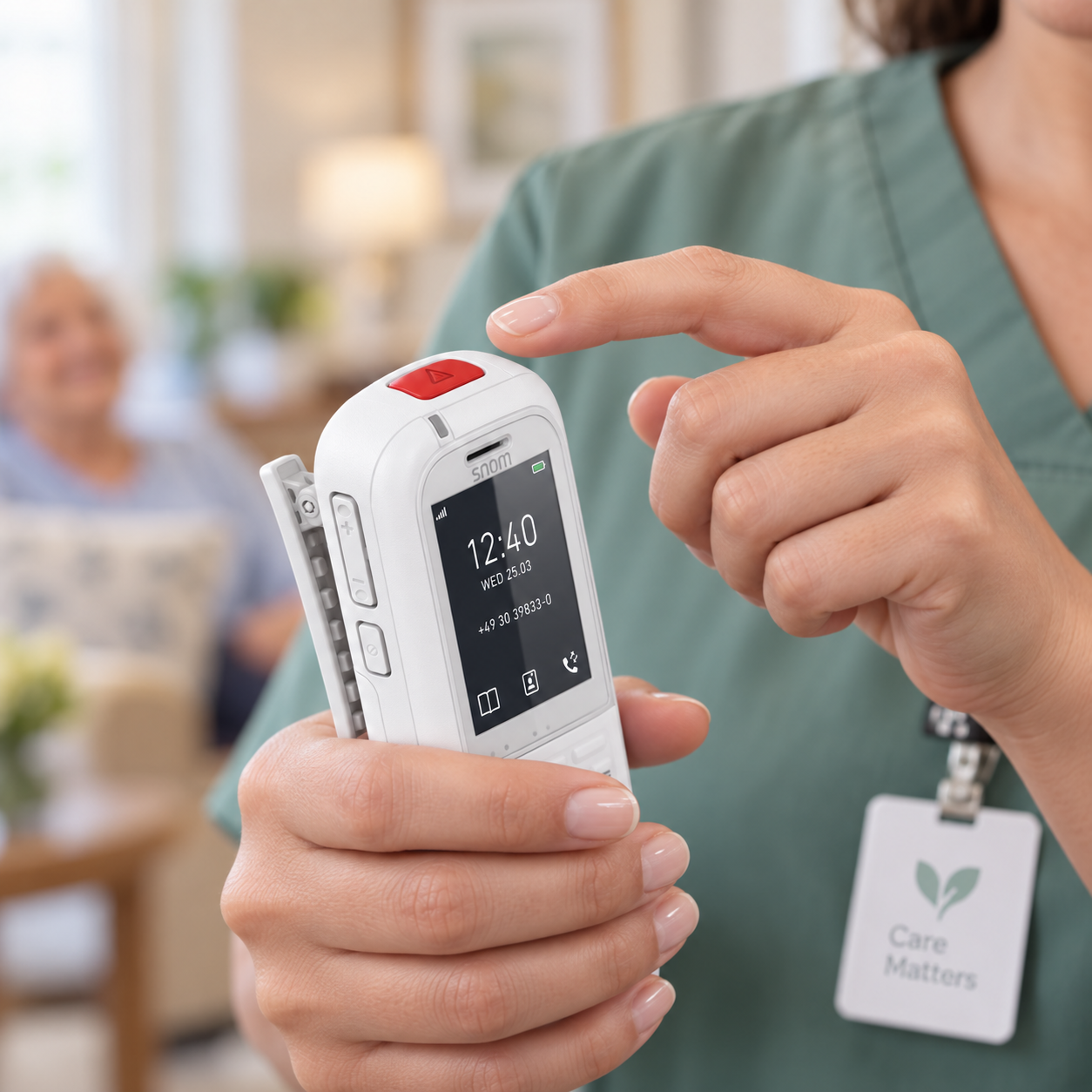
Mobile app or handset
Supported smartphone apps and DECT handsets combine everyday communication with a way to request assistance. Select the device and app workflow around staff roles and coverage.
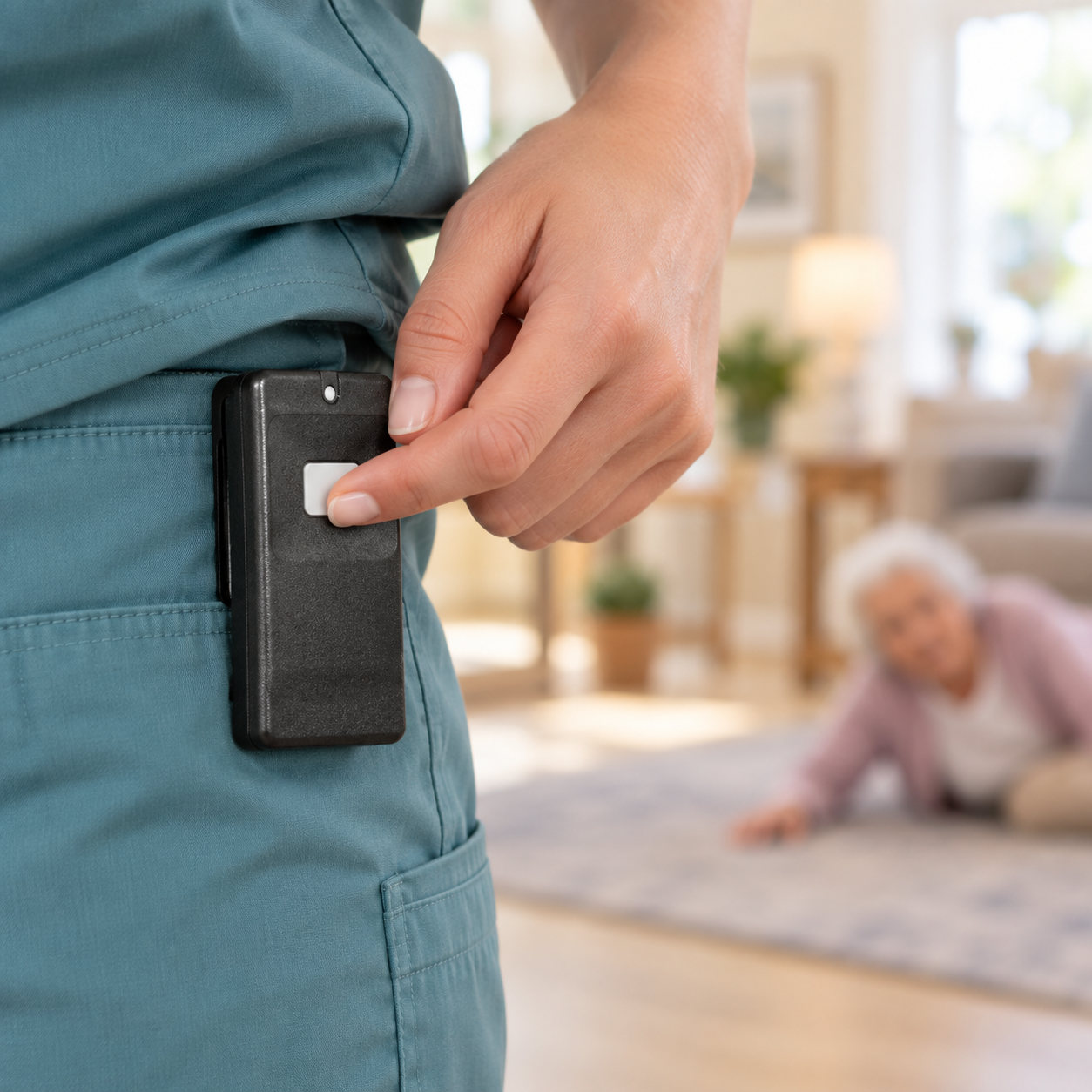
Wearable pendant
A compatible pendant gives staff a simple, accessible call button while moving through covered areas. Choose wearing options and alarm behaviour to suit the role.
Fixed assistance button
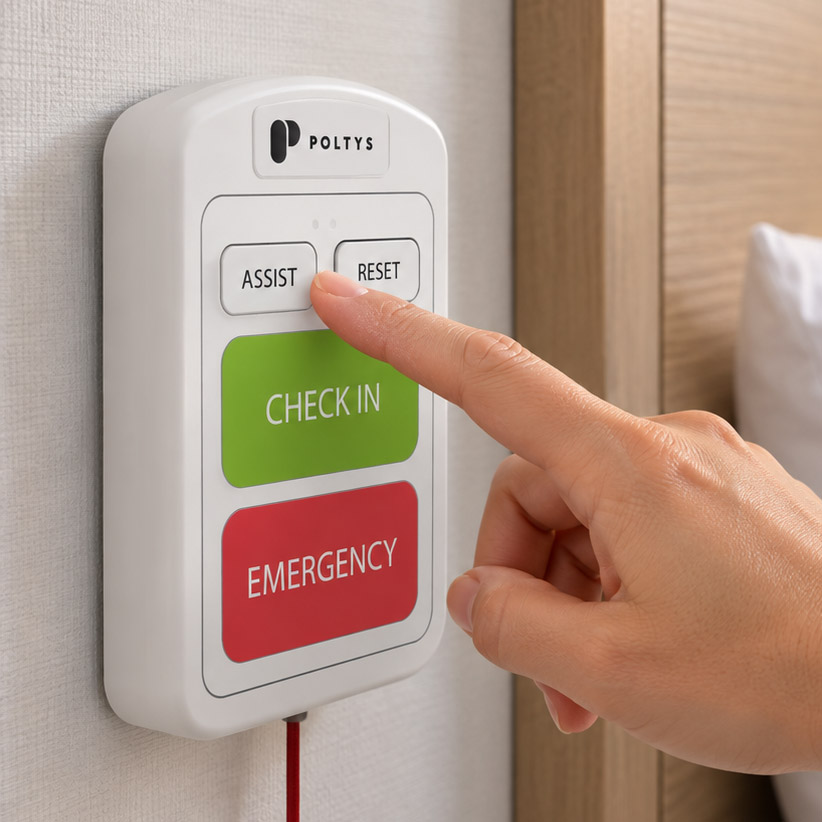
Wall buttons, multicall stations and communication hubs provide a known place to request backup in rooms or shared work areas. Fixed call points identify their assigned location.
COORDINATED TEAM RESPONSE
Help the right colleagues act together.
Configure the response around how your team works, from everyday assistance to urgent duress.
Different requests, different priorities
Distinguish staff assistance from urgent duress with configured alarm types, priorities and escalation paths. Route each request to the appropriate responders.
Location that helps direct backup
Use the assigned location of a fixed button or location information from supported wearables. Plan and test coverage around the areas where staff work.
Communication during the response
Caregivers can accept alerts on supported devices and coordinate through push-to-talk. A shared care board and live roster help supervisors see activity and who is signed in.
SUPERVISOR OVERSIGHT
Learn from incidents and stay ready for the next shift.
Use recorded events and device visibility to support the people responding.
A clear event record
Review when an alarm was raised, who was notified, when it was accepted and how it closed. Use the record to discuss response procedures with your team.
Investigate in seconds
Ask the AI assistant what happened, who was notified and how long it took, and get the full timeline without digging through logs. Any change it suggests waits for an authorized person to approve.
Device readiness
Monitor supported device battery and connection status, and maintain test records. Give supervisors visibility into equipment that needs attention.
PLAN YOUR SOLUTION
Build around your team’s working day.
Poltys Canada helps communities and dealers connect device choices with a practical staff response plan.
Identify the situations
Review lone working, resident care, reception and shared spaces to determine where staff need access to assistance.
Choose the right call points
Match badges, pendants, supported apps or handsets, and fixed buttons to each role. Confirm location needs and coverage in the intended work areas.
Define and test the response
Set alert priorities, responder groups and escalation timing. Test the full route from activation to acceptance with the people who will use it.
PLAN YOUR SYSTEM
Next: protect staff on every shift
Start with the people most exposed: staff working alone, at night or with residents whose behaviour can change quickly.
Working alone at night
What a discreet duress system changes for night-shift caregivers.
Read the guideStaff duress devices
Badges, pendants and belt-clip devices that fit the way your team works.
See the devicesOne response platform
Staff alerts use the same routing and phones as resident calls, so there is one system to learn.
Explore emergency nurse callLET’S PLAN YOUR SOLUTION
Give your team a clear way to call for backup.
Tell us where your staff work and how assistance is handled today. We’ll help map the devices, coverage and response workflow to your community.